



You’ve probably heard that Intuit has been making significant changes to QuickBooks Desktop over the past few years. If you’re a current subscriber, you may be wondering what this means for your online store, and whether you’ll need to switch platforms and disrupt your business. Is QuickBooks Desktop going away?
There’s no need to panic, but there are some important deadlines you should know about. Intuit is retiring older versions of QuickBooks Desktop on a rolling basis, not pulling the plug all at once. If you’re on a supported version, your software keeps working. The key is knowing which version you’re on and what’s coming.
In this article, we break down exactly what’s changing, what’s already happened, and what ecommerce businesses on QuickBooks Desktop need to know before May 31, 2026.
Wait! Is QuickBooks Desktop being discontinued or not?
The short answer is: not entirely, but the picture has changed significantly.
As of July 31, 2024, Intuit stopped selling the following QuickBooks Desktop products to new US subscribers:
- QuickBooks Desktop Pro Plus
- QuickBooks Desktop Premier Plus
- QuickBooks Desktop Mac Plus
- QuickBooks Desktop Enhanced Payroll
If you already had a subscription before that date, you can continue renewing it. Intuit has continued to support existing Desktop subscribers and has not shut off access to current, supported versions.
QuickBooks Desktop Enterprise remains available to both new and existing subscribers and is the primary Desktop option Intuit is actively supporting going forward. You can purchase it directly here.
What’s happening to older versions of QuickBooks Desktop?
Intuit follows a rolling three-year support window for Desktop versions. Once a version falls outside that window, it loses access to live technical support, security updates, and certain connected services.
Here’s where things stand:
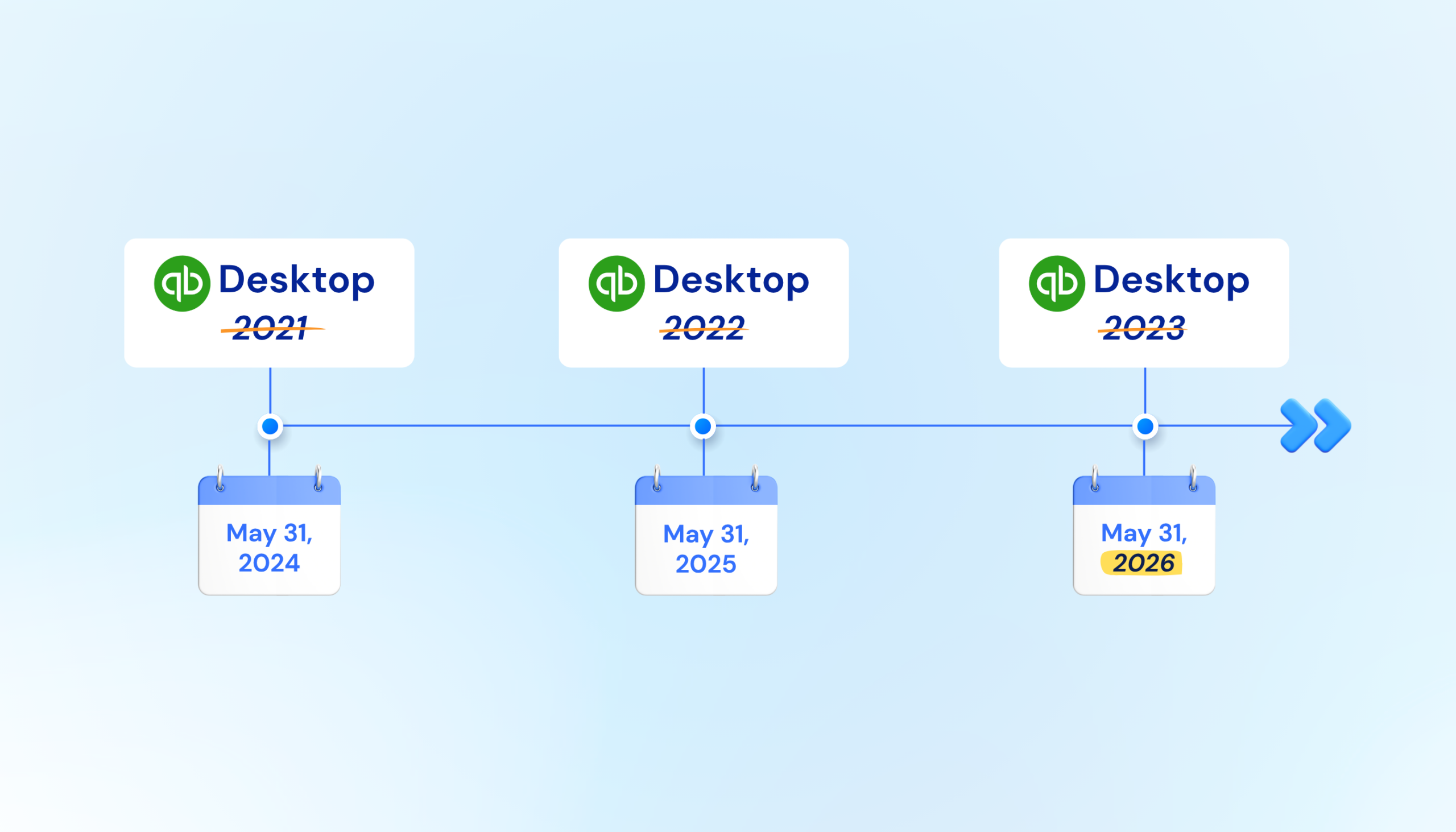
- QBDT 2021 and earlier: Discontinued as of May 31, 2024.
- QBDT 2022: Discontinued as of May 31, 2025.
- QBDT 2023: Support ends May 31, 2026. This is the most urgent deadline right now.
The specific QBDT 2023 products affected after May 31, 2026 are:
- QuickBooks Desktop Pro Plus 2023
- QuickBooks Desktop Premier Plus 2023 (all editions)
- QuickBooks Enterprise Solutions 23.0
- QuickBooks Premier Accountant Edition Plus 2023
- QuickBooks Enterprise Accountant 23.0
- QuickBooks Desktop for Mac Plus 2023
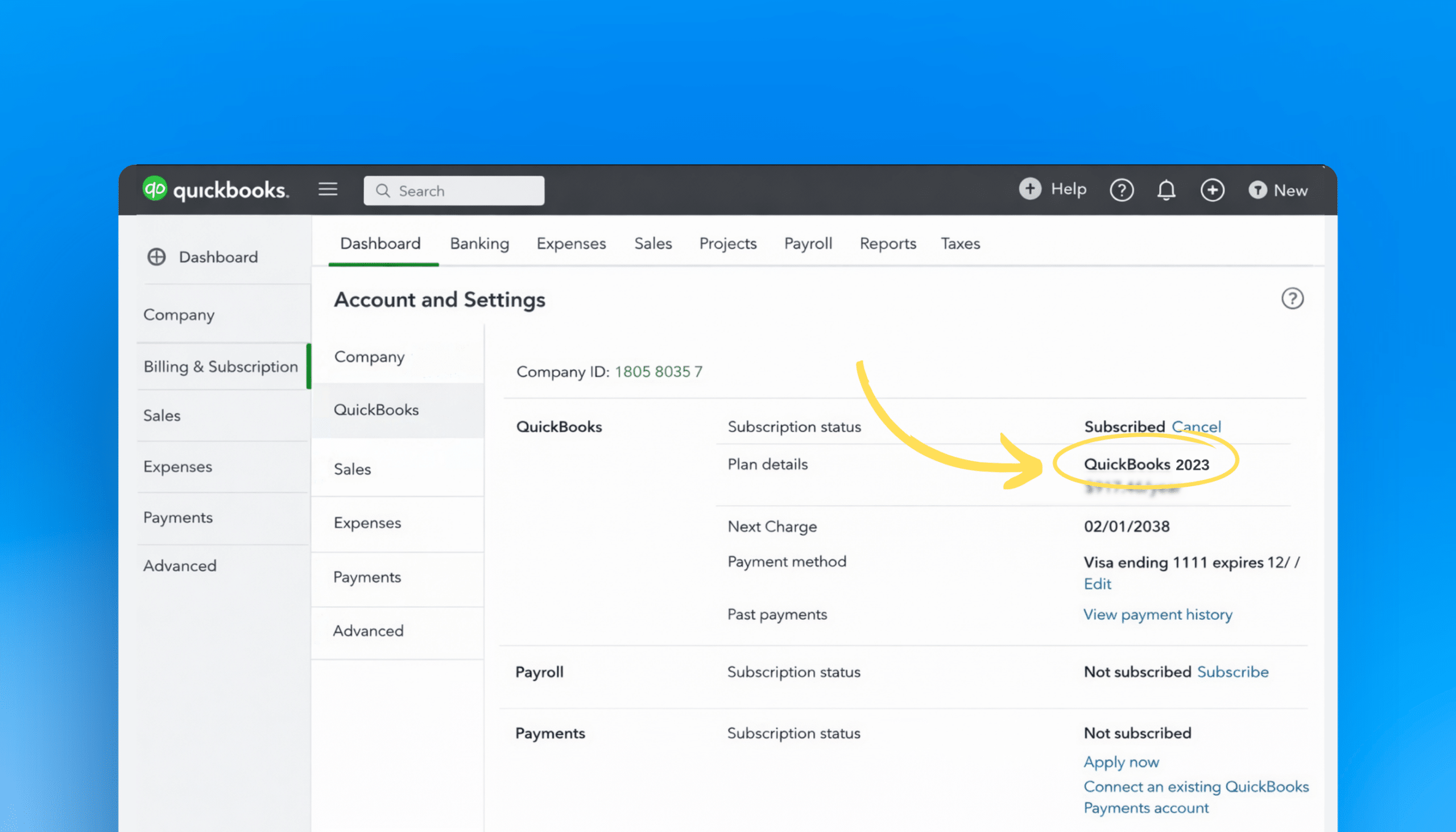
Not sure which version you’re on? Open QuickBooks Desktop and press F2 (or go to Help > About QuickBooks). Your version number will appear in the top-left corner of the window.
After May 31, 2026, affected versions lose access to certain connected services including payroll processing and live technical support. What this means in practice depends on your setup. If you rely on connected services inside Desktop, those will be disrupted. The software itself is not forcibly shut off.
Intuit recommends upgrading to QuickBooks Desktop 2024 before the deadline. Existing Desktop Plus and Enterprise subscribers receive version 2024 at no extra cost as part of their annual plan.
The Future of QuickBooks Desktop
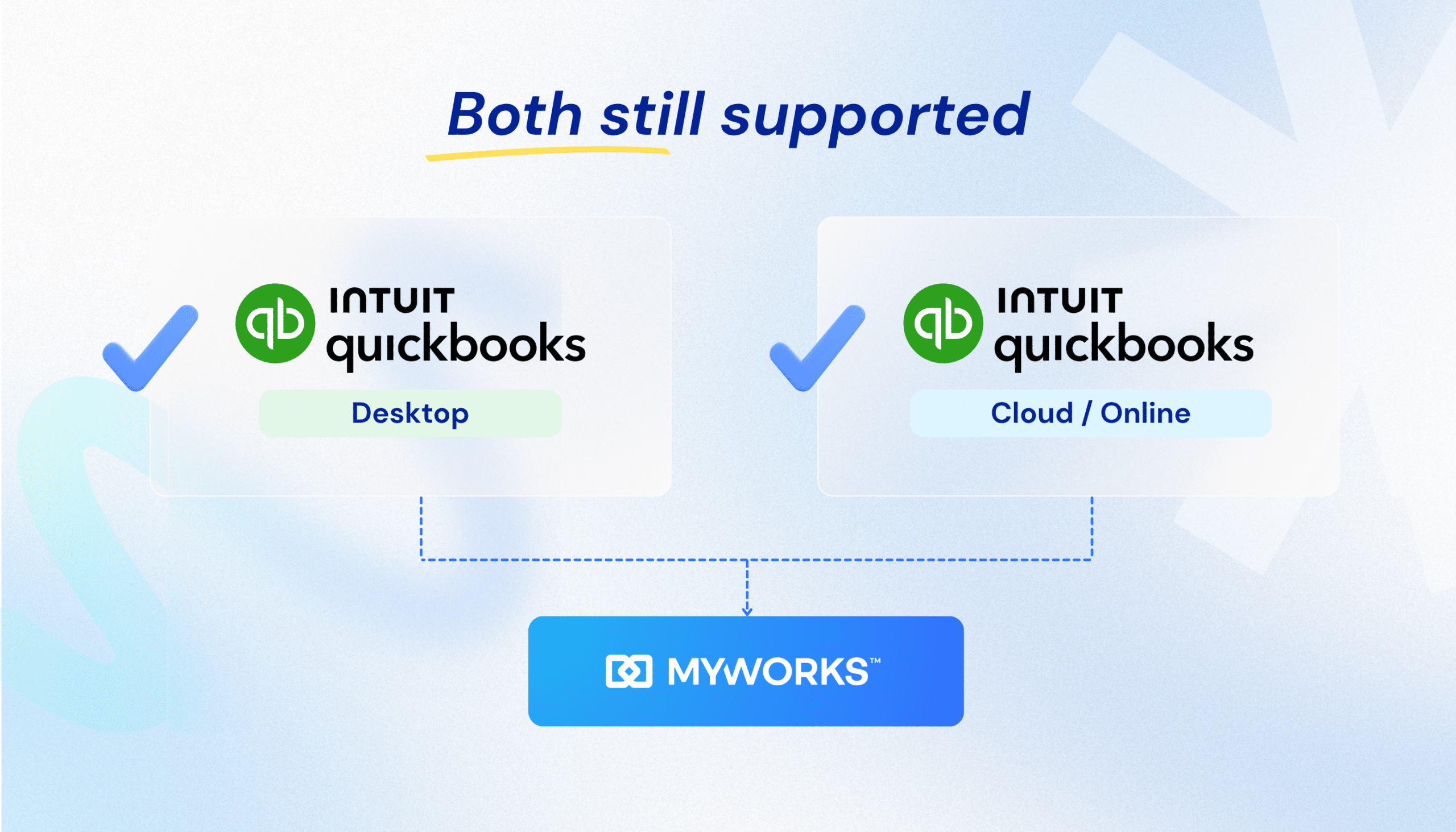
QuickBooks Desktop 2024 is currently the most recent version available. Intuit has not announced a 2025 release for Pro Plus or Premier Plus, and the company’s focus has shifted toward Enterprise and QuickBooks Online. QBDT 2024 is expected to reach end of support around September 2027, though Intuit has not published an official discontinuation date for this version.
Here’s Intuit’s official policy on this:
“We commit to developing easy and straightforward financial tools that help you today and grow with you tomorrow. But it’s a balancing act: making QuickBooks better and easier to use while still supporting older versions.”
Desktop still has a large, active user base in the US, particularly among businesses that rely on advanced inventory management, offline access, or complex workflows that QuickBooks Online does not yet fully replicate. Enterprise continues to be actively developed and sold. For businesses that need Desktop capabilities, it remains a viable option today, provided you are on a current, supported version.
If you’re thinking about migrating, here’s what actually makes sense
Not every business needs to act right now, but if the rolling discontinuation schedule has you thinking about a longer-term move, here’s an honest breakdown of the options.
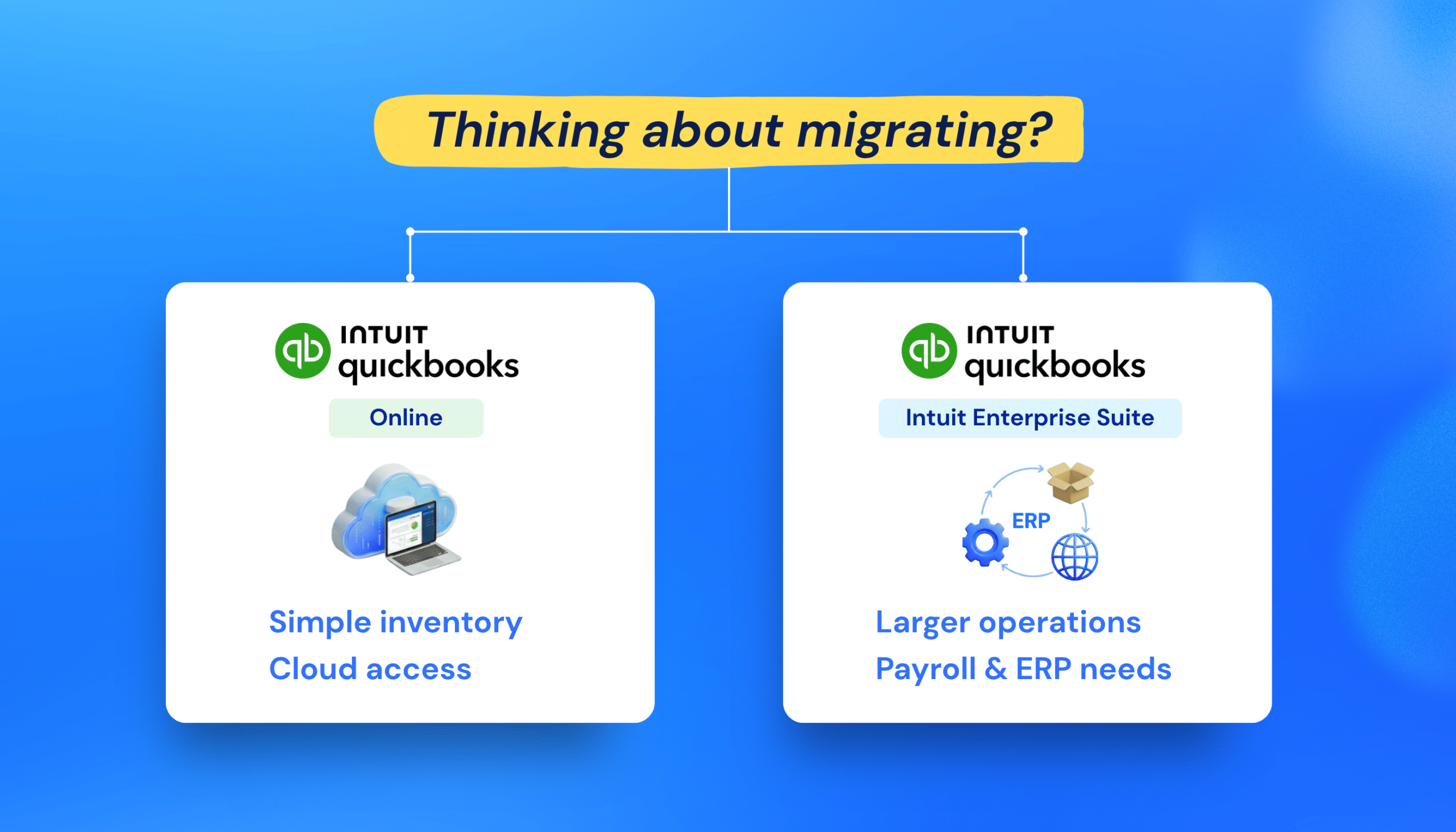
Migrating to QuickBooks Online
QBO is the right move for businesses that are not relying on QuickBooks Desktop’s advanced inventory features. QuickBooks Online supports simple inventory tracking, but if your workflows depend on assemblies, multiple warehouses, or advanced inventory management, QBO won’t replicate that today.
The main tradeoff is the learning curve. QuickBooks Online looks and behaves differently from Desktop, and there is an adjustment period for you and anyone else on your team who uses it. That said, for businesses running straightforward ecommerce operations, QBO offers the cloud accessibility and lower maintenance overhead that Desktop doesn’t.
Migrating to Intuit Enterprise Suite (IES)
If you’re a larger operation running payroll, managing a significant customer database, or considering a move to an ERP-level platform, Intuit Enterprise Suite is worth a serious look before you start shopping around.
If the prospect of older Desktop versions being discontinued has you wondering whether it’s time to move to NetSuite or Sage, pause on that. Intuit Enterprise Suite is purpose-built to serve businesses at exactly that inflection point, and it keeps you inside an ecosystem your team already knows. The migration path is more predictable, the accounting logic carries over, and you avoid the significant cost and complexity of a full ERP migration.
The good news for MyWorks users
Whatever direction you go, MyWorks Sync supports it. We integrate with QuickBooks Online, QuickBooks Desktop (all versions), and Intuit Enterprise Suite. You don’t have to figure out your ecommerce accounting sync before you’ve decided on your QuickBooks path. We can work with you through the transition.
Will MyWorks keep supporting QuickBooks Desktop users?
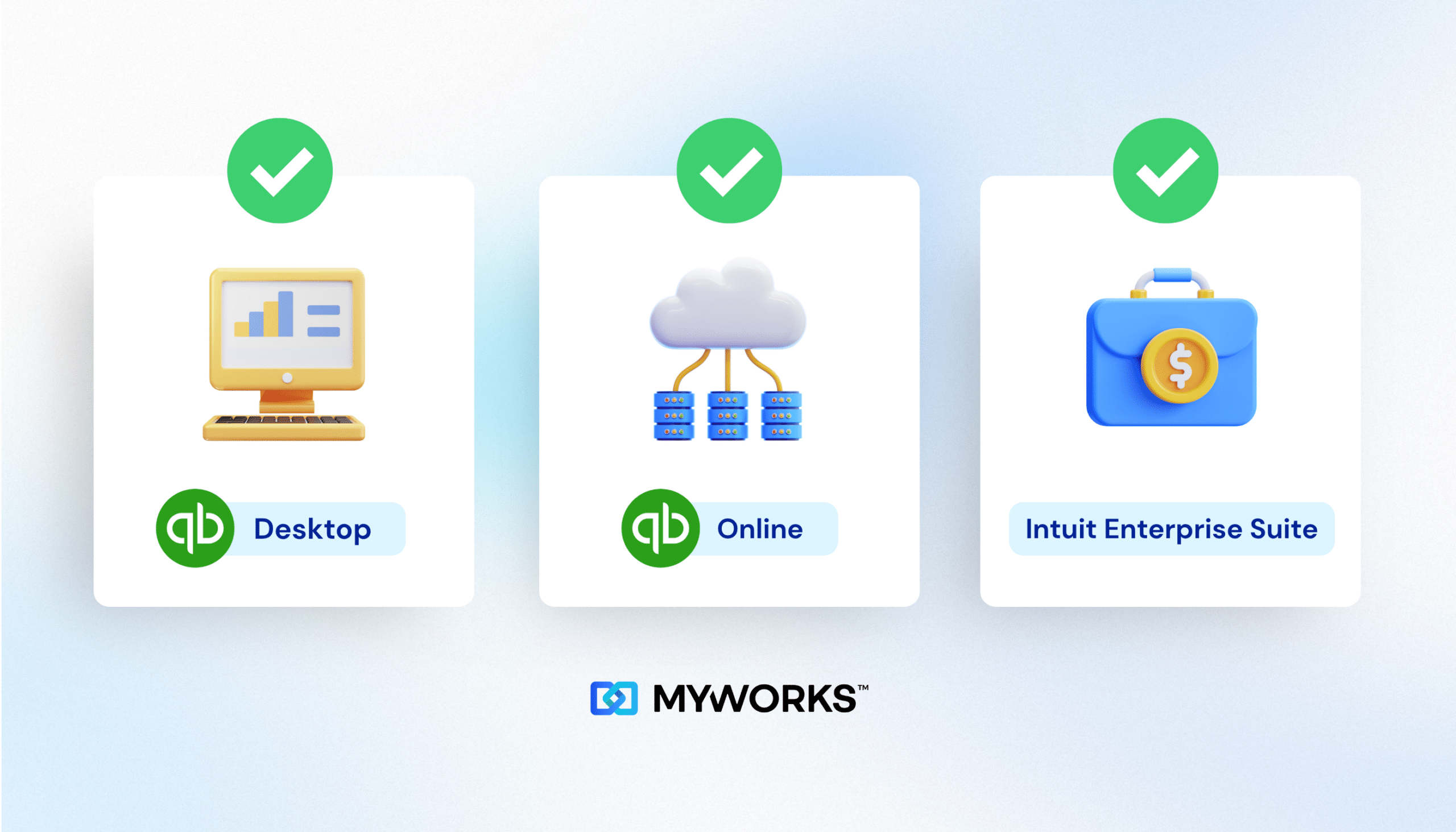
Yes. MyWorks Sync will continue to support QuickBooks Desktop for customers on current, supported versions. We have a large base of Desktop customers and we are committed to supporting them.
We know many MyWorks users rely on QuickBooks Desktop for good reasons:
- Handling large transaction volumes without dependence on internet connectivity
- Storing financial data on their own servers rather than in the cloud
- Accessing advanced inventory management features not yet available in QBO
- QuickBooks Desktop Enterprise capabilities for multi-location and assembly workflows
- A familiar setup that their bookkeeper or accountant already knows well
For customers currently on QBDT 2023, we recommend upgrading to QuickBooks Desktop 2024 before May 31, 2026 if you’d like to keep your access to technical support and connected services. Customers already on QBDT 2024 or Enterprise are not affected by the upcoming deadline.
Considering a move to QuickBooks Online or Intuit Enterprise Suite? We offer free demo and setup calls to help you think through your ecommerce accounting without losing your sync settings or historical data. Book a free call here.
QuickBooks Desktop Is Not Going Away Overnight
The bottom line is that QuickBooks Desktop is not disappearing on a single date. Intuit is retiring older versions on a rolling schedule, and the most important deadline right now is May 31, 2026 for QBDT 2023 users.
If you are on QBDT 2023 and using Intuit’s connected services inside Desktop, upgrade to 2024 before the deadline. If you’re not using those services, you have more flexibility, though upgrading is still the right call before support ends. If you are on QBDT 2024 or Enterprise, you have more time.
Whatever you decide about your QuickBooks setup, MyWorks Sync supports QuickBooks Online, QuickBooks Desktop, and Intuit Enterprise Suite. Your ecommerce accounting does not need to be disrupted by this transition.