Ecommerce sales tax gets complicated fast. Forty-five states, thousands of jurisdictions, and shifting rules make it hard to know where you owe tax, let alone how to track it across Shopify, Amazon, or WooCommerce.
That’s why so many merchants rely on sales tax software for ecommerce. Tools like TaxJar or Avalara handle the calculations and filing, but if your books don’t line up with what’s submitted, small errors can turn into big audit problems.
This guide breaks down why ecommerce sales tax is so complex, which tools can help, and how to make sure the numbers behind your returns are accurate and audit-ready.
Why Ecommerce Sales Tax Compliance Is So Complex
Ecommerce sales tax isn’t complicated by accident: it’s the result of thousands of overlapping rules that shift constantly across state lines. Here’s what makes staying compliant such a challenge for online sellers.
1. Economic Nexus Rules
Since the Wayfair v. South Dakota ruling, states can require you to collect sales tax even if you don’t have a physical presence there. Once you cross a state’s economic threshold (usually $100,000 in sales or 200 transactions), you’re required to register and collect tax.
2. State-by-State Rule Variations
Forty-five states plus D.C. have sales tax and economic nexus laws, and each one sets different thresholds. Some recently dropped transaction counts, others update thresholds annually. Keeping track manually is nearly impossible.
3. Multi-Channel Sales
Selling on multiple ecommerce platforms, such as Shopify, Amazon, and your own site, fragments your data. Amazon sales might count toward nexus thresholds, but they’re reported separately. Without a consolidated view, you may not even realize you’ve crossed a state’s limit until it’s too late.
4. Constant Rule Changes
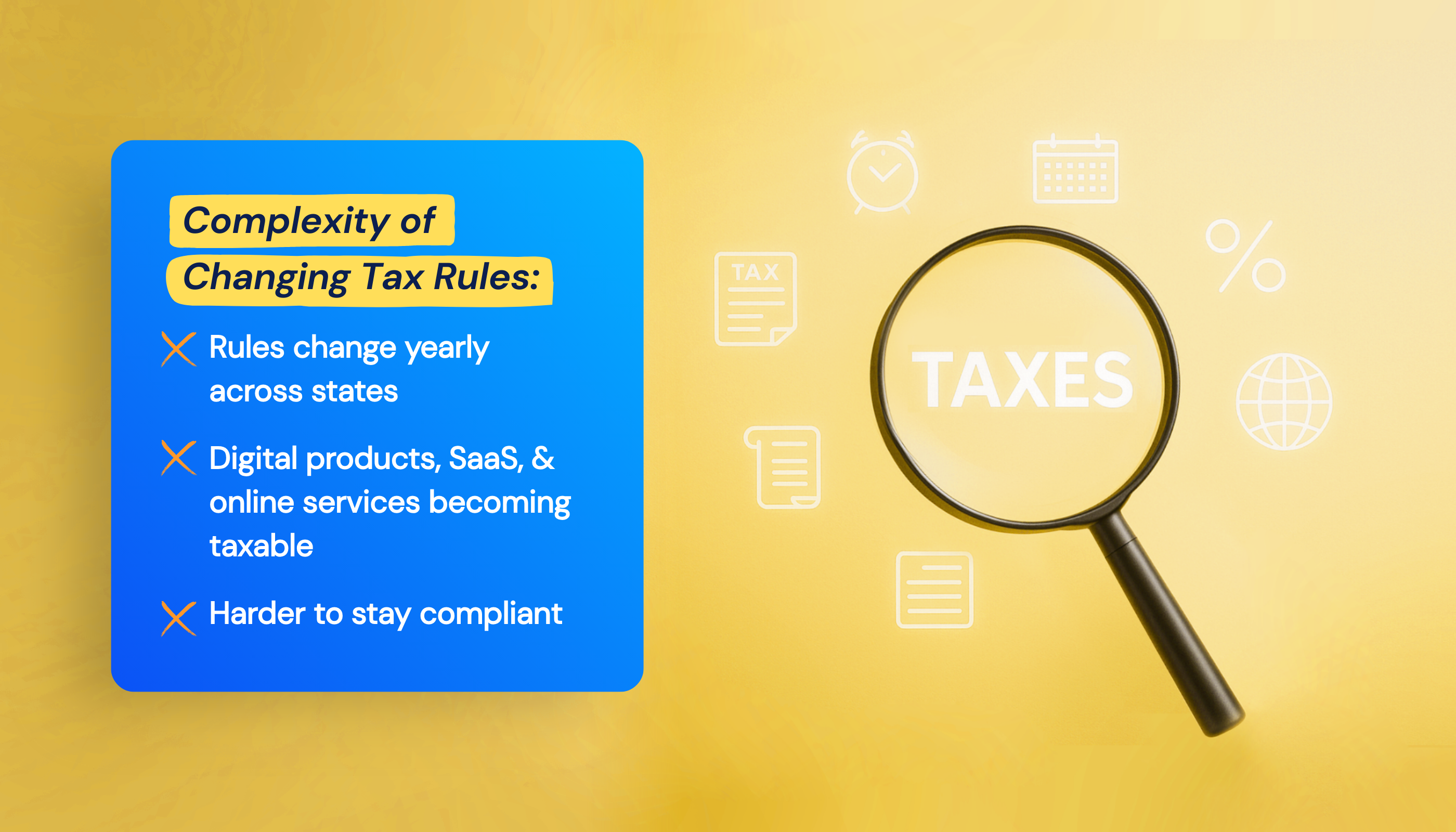
Taxability continues to expand: digital products, SaaS, and online services are now taxed in more states than ever. What wasn’t taxable last year might be this year, meaning compliance is a moving target for ecommerce businesses.
For most online sellers, tracking all this alone isn’t sustainable. That’s why ecommerce sales tax solutions exist to automate the process.
4 Best Sales Tax Software for Ecommerce
Ecommerce sales tax software takes care of calculations, reporting, and in many cases, filing for you. The tools below are the most widely used by online sellers today, each with different strengths depending on your size, sales channels, and budget.
TL;DR: Ecommerce Sales Tax Software at a Glance
| Tool | Best For | What it Does | Pricing | Not Ideal if |
| TaxJar | SMBs & mid-market stores | Automates calculations and filing | $19–$499/month | You need global VAT/GST coverage |
| Avalara | Enterprise & global sellers | Covers sales tax, VAT, and cross-border filing | $5K–$25K+/year | You want a quick, simple setup |
| Shopify Tax | Single-channel Shopify sellers | Calculates tax at checkout | Free (filing extra) | You sell on multiple platforms |
| BreezyFile | Shopify merchants needing filing help | Handles registration and filing manually | $75/return | You sell outside Shopify |
1. TaxJar: Best for Mid-Market Automation
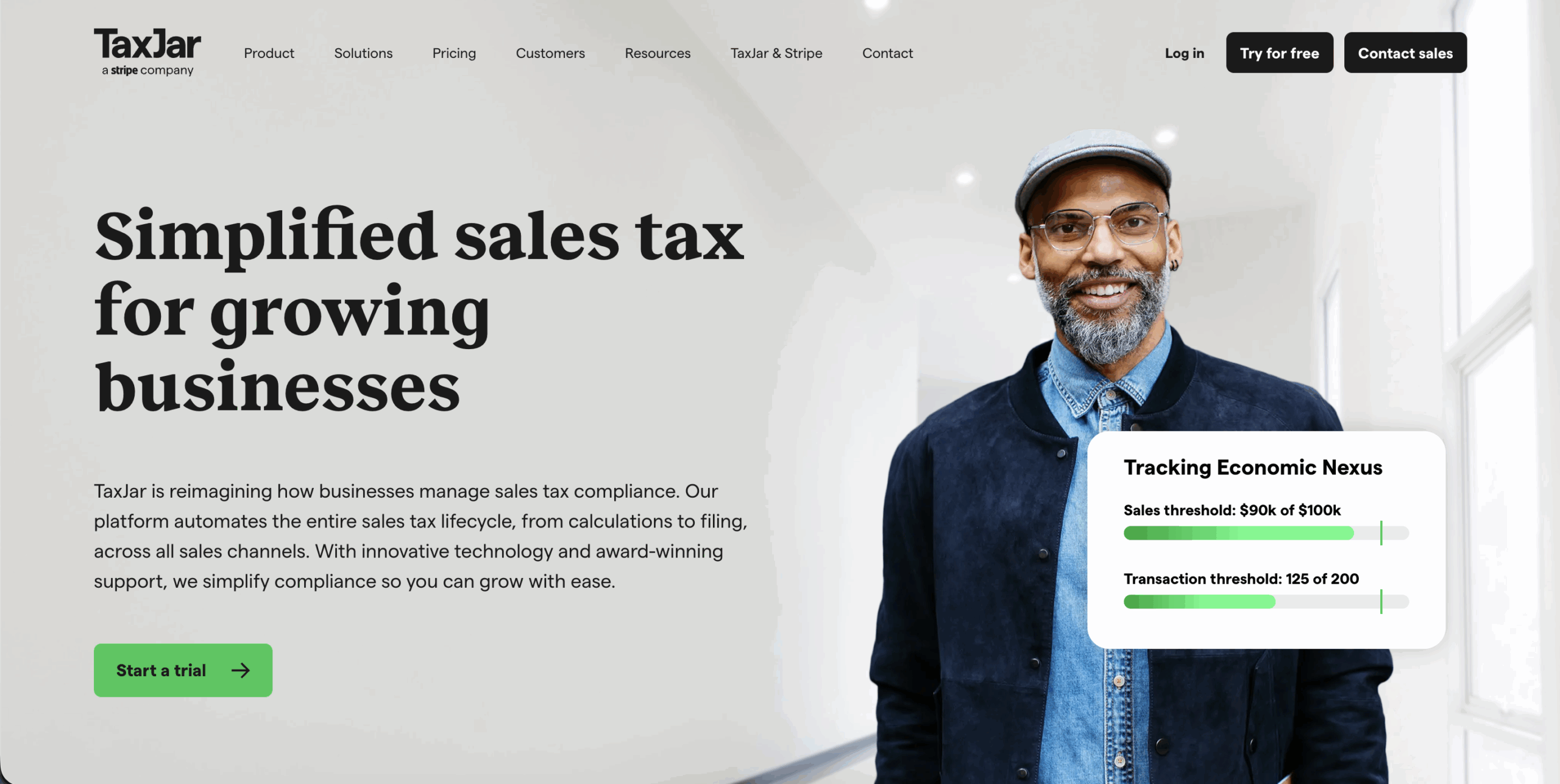
TaxJar automates the entire process, from calculation and reporting to filing across 11,000+ U.S. jurisdictions. Its AutoFile feature submits returns directly to states, making it ideal for growing stores that have outgrown manual spreadsheets.
TaxJar Key Features
- Real-time calculations across 11,000+ jurisdictions.
- AutoFile for hands-off filing.
- Nexus monitoring and alerts.
- Connects to Shopify, WooCommerce, Amazon, and QuickBooks.
TaxJar Pricing
$19/month for up to 200 orders, scaling to $499/month for 2,500 orders (includes API access).
Review Ratings
- 4.4-star rating out of 77 Capterra reviews.
2. Avalara: Best for Enterprise-Level Coverage

Avalara offers global coverage for sales tax, VAT, GST, and cross-border duties. It’s built for high-volume or multi-country sellers that need more than just U.S. sales tax compliance.
Avalara Key Features
- Global coverage (sales tax, VAT, GST, cross-border).
- 1,400+ integrations.
- Exemption certificate management.
- Automated filing.
Avalara Pricing
Custom quotes, typically $5,000-$25,000 annually for mid-market ecommerce, scaling higher for enterprise. Avalara handles massive volumes, nearly 50 billion calculations in 2024, and covers 190+ countries.
Review Ratings
- 4.0-star rating out of 347 Capterra reviews.
3. Shopify Tax: Best for Single-Channel Shopify Sellers

Shopify Tax simplifies U.S. sales tax calculations directly at checkout. It applies product-specific rules automatically and keeps rates up to date, helping smaller Shopify merchants stay compliant.
Shopify Tax Key Features
- Automatic checkout calculations (11,000+ jurisdictions).
- Product-specific taxability rules.
- Auto-updated rates.
Shopify Tax Pricing
Shopify Tax is built into Shopify, with no extra cost for basic calculations.
Review Ratings
5-star rating out of 96 Shopify App Store reviews.
4.BreezyFile: Best for Shopify-Focused Filing

BreezyFile Key Features
- Runs directly within Shopify admin.
- Uses your store data to prepare and file returns.
- Human review before submission.
- Works alongside Shopify Tax.
BreezyFile Pricing
Free to install. Pay per service: $75/return ($65 for 50+ years), $150 for state registration.
Review Ratings
- 5-star rating out of 17 Shopify App Store reviews.
These tools can take the pain out of ecommerce tax compliance, but there’s one major limitation they all share: your tax reports are only as accurate as the accounting data they’re based on.
Why Your Books Need to Match Your Tax Filings
Sales tax tools pull data straight from Shopify or WooCommerce to calculate and file returns. That sounds simple enough, until you realize your accounting software may be telling a different story.
If your QuickBooks or Xero records don’t match what was actually filed, you can’t verify what’s accurate. A small gap in sales or refunds can snowball into reporting errors, overstated liabilities, or worse, a failed audit.
The Data Gap Most Sellers Miss
Tax tools see what happens in your store. Accounting tools track what’s in your books. When those two systems aren’t connected, they drift apart fast. For example, your sales tax software might file $12,450 in collected tax, while QuickBooks only shows $11,890. Which one is right? Without a proper sync, you’ll never know.
Refunds: The Silent Audit Risk
Refunds and returns create the biggest discrepancies. When customers get their money back, states often require you to adjust your tax liability. But if your accounting system doesn’t track refunds accurately (or doesn’t sync them at all), you might overpay without realizing it.

Example: TaxJar sees those refunds in Shopify, but QuickBooks doesn’t unless they’re synced. The result? Your financial statements show inflated revenue and taxes owed.
What “Clean Books” Really Mean
Clean books aren’t just organized, they’re consistent. Every order, refund, fee, and tax line should flow directly from your sales channels into QuickBooks or Xero without manual edits. When everything matches, you can verify what’s filed, catch errors early, and stay audit-ready.
That’s where automation comes in, and where MyWorks makes all the difference.
How to Keep Your Sales Tax Data Accurate with MyWorks
QuickBooks tracks your finances. Shopify tracks your sales. But unless they’re connected, you’re relying on manual entry, and manual entry always introduces errors.
Real-time automation eliminates those gaps. When your sales, refunds, and fees sync automatically between Shopify or WooCommerce and QuickBooks or Xero, your books stay aligned with what your tax software reports. You can spot discrepancies instantly instead of finding them months later.

How Automation Solves the Problem
Ecommerce accounting automation tools like MyWorks sync every order, refund, fee, and tax line in real time. That means when ecommerce sales tax solutions files your return, the numbers in your books already match what was reported. No mismatched totals, no missing refunds, no manual adjustments.
With MyWorks handling the sync:
- Your ecommerce sales tax data flows accurately into your accounting system.
- You can trust that your filings reflect your true revenue and tax collected.
- Your books stay audit-ready, even during busy seasons.
MyWorks doesn’t calculate or file sales tax, but it ensures the numbers behind your filings are clean, current, and complete.
Keep Your Sales Tax Data Clean and Audit-Ready
Even the best tax software can’t fix messy data. MyWorks keeps your sales, refunds, and fees perfectly synced between Shopify, WooCommerce, and QuickBooks or Xero, so your filings are always accurate. Get started with MyWorks today.
FAQs About Ecommerce Sales Tax
1. Do I Need to Charge Sales Tax on Shopify?
Yes. If you have economic nexus in a state, usually $100,000 in sales or 200 transactions, you must register and collect sales tax. Shopify Tax can calculate it automatically, but tools that sync Shopify to QuickBooks, like MyWorks, help keep your records accurate for reporting.
2. How to Calculate Sales Tax for Online Sales?
Sales tax is calculated based on the customer’s location (destination-based) or your location (origin-based), depending on the state. The rate includes state, county, city, and district taxes. Tools like TaxJar or Shopify Tax handle real-time calculations for 11,000+ jurisdictions. Clean accounting data helps you verify what was filed and catch discrepancies.
3. Does Shopify Payments Handle Sales Tax?
Shopify Payments processes transactions but doesn’t handle tax collection or filing. Shopify Tax (separate feature) calculates and collects tax at checkout. You still determine nexus, register for permits, and file returns, manually or with tools like BreezyFile or TaxJar.
4. How Does MyWorks Help With Ecommerce Sales Tax Accuracy?
MyWorks isn’t a filing tool; it’s the automation layer that keeps your books right. It syncs orders, refunds, and tax amounts from Shopify or WooCommerce into QuickBooks or Xero in real time, ensuring your ecommerce sales tax reports reflect true numbers.
5. Why isn’t Shopify Collecting the Right Amount of Sales Tax?
Shopify often doesn’t collect enough sales tax due to missing nexus settings or products not being marked as taxable. Another cause is incomplete accounting data. MyWorks helps by syncing all Shopify sales, refunds, and fees to QuickBooks, so your online sales tax data stays consistent and reliable.
6. Do I Need a Sales Tax Permit in Every State?
Yes, if you have economic nexus in a state, you need a sales tax permit before collecting tax there. Each state has its own registration rules and deadlines. Accurate accounting data from MyWorks helps track where you’re liable and simplifies compliance across states.