When a chargeback fraud dispute hits your online store, you don’t just lose the sale. You lose the product, pay processor fees, and spend hours fighting a dispute that rarely goes your way. Then comes the real headache: your books no longer match what’s actually happening in your business.
Left unchecked, ecommerce chargeback fraud can damage your merchant account, drain revenue, and create endless reconciliation work for your team.
This guide walks through how to stop chargebacks before they start, handle platform-specific disputes on Shopify and PayPal, and keep your books accurate when they do happen.
What is Chargeback Fraud in Ecommerce?
In ecommerce, chargeback fraud refers to disputes where a customer reverses a valid transaction through their bank instead of requesting a refund directly. The bank reverses the payment, forcing you to return the money and pay additional processing fees, even though the order was genuine and fulfilled.
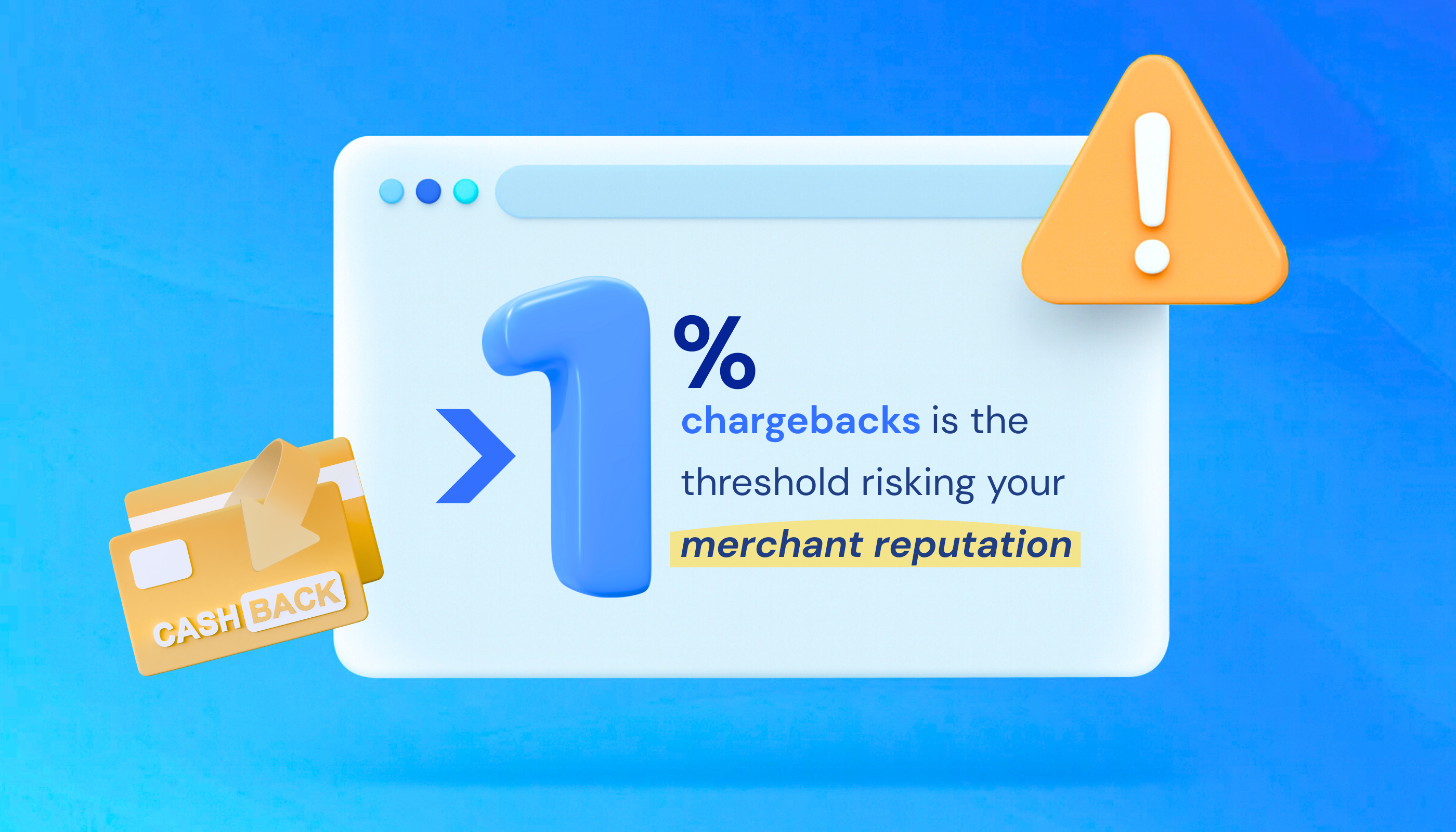
Unlike a normal refund, which you control, a chargeback goes through the payment processor and bypasses your business entirely. When chargebacks make up more than 1% of total transactions, they can flag your account as high-risk and hurt your merchant reputation.
Criminal Fraud vs. Friendly Fraud: What You’re Up Against
Not all chargebacks are the same. Understanding the difference between criminal fraud and friendly fraud helps you target prevention more effectively.
Criminal Fraud
Someone uses stolen credit card information to buy from your store. You ship the product, then the legitimate cardholder disputes it when they notice the unauthorized charge. You lose the merchandise, the sale, and get hit with fees.
Example: someone buys three high-end cameras with a stolen card and ships them to a package forwarding service. Two weeks later, the legitimate cardholder spots the $4,500 charge and files a dispute. By then, the cameras are gone. You lose the products, the revenue, and pay $15–$20 in chargeback fees, with zero chance of recovery.

Friendly Fraud (The Bigger Problem)
Friendly fraud happens when a legitimate customer disputes a charge they actually made, often claiming they never received the item or don’t recognize the transaction. This type of fraud now accounts for up to 75% of all chargebacks, usually driven by buyer’s remorse, family members making purchases, or customers trying to sidestep return policies.
Example: a customer orders a $280 jacket. It’s delivered and marked “delivered” by the courier, but without a signature or photo proof. Three days later, they claim “item not received.” Despite your tracking data, the bank sides with the cardholder. You lose the product, the sale, and still pay the chargeback fee.
The Real Cost of Chargeback Fraud
For every $1 lost to fraud, ecommerce merchants lose an additional $4.61 in related costs: processor fees, lost merchandise, time spent disputing, and the ripple effects of inaccurate books.
Disputes are notoriously hard to win because card networks prioritize protecting cardholders, leaving merchants with win rates that rarely exceed 30%.
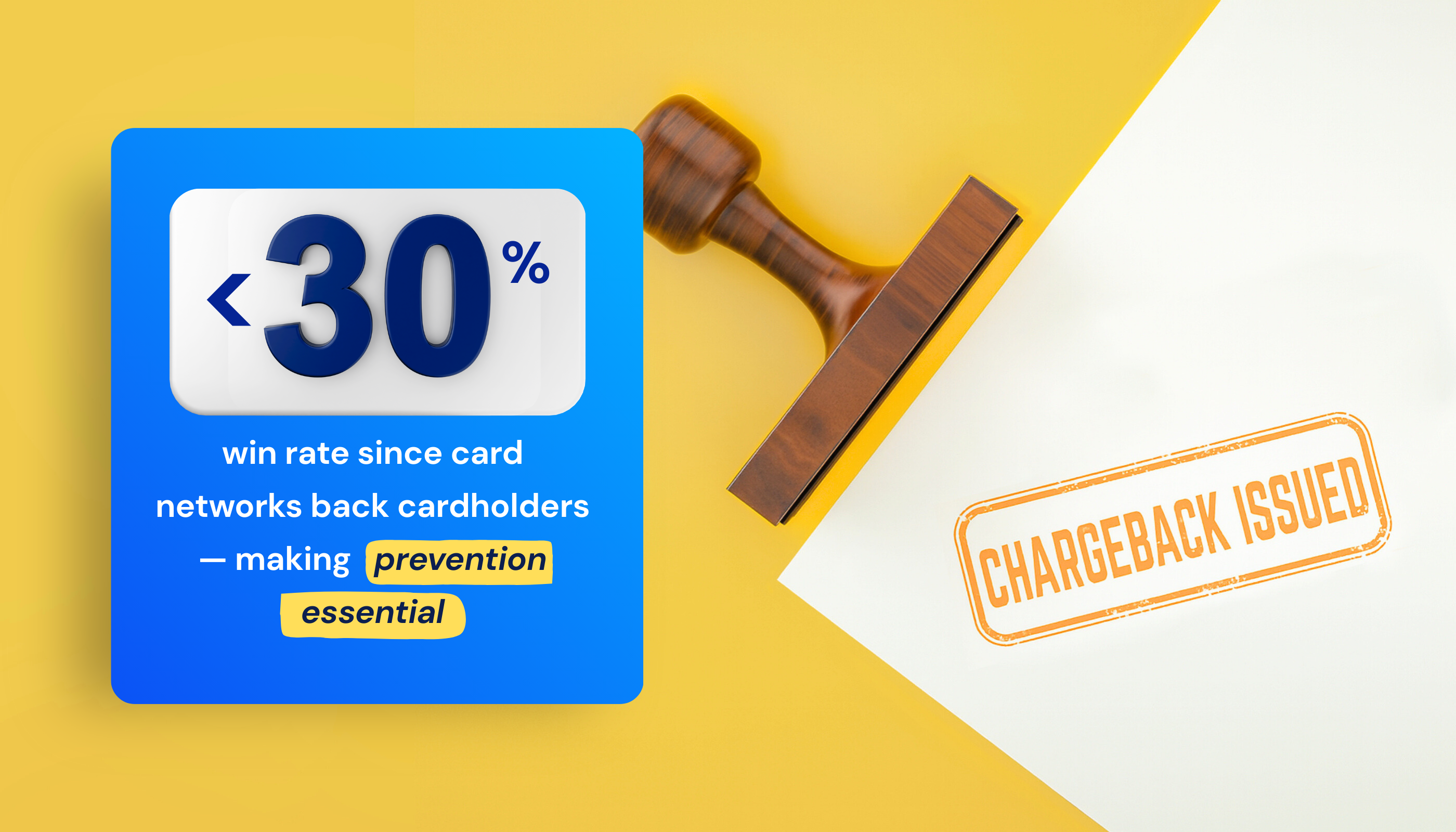
That’s why prevention matters most. Stopping chargebacks before they happen is far more effective and less costly than trying to fight them after the fact.
How to Prevent Chargebacks as a Merchant
You can’t stop every ecommerce chargeback, but these chargeback prevention practices can significantly reduce your exposure:
- Make policies clear: display refund, return, and cancellation policies at checkout and in confirmation emails. Use simple, plain language that leaves no room for confusion.
- Use a recognizable billing descriptor: many disputes happen because customers don’t recognize charges on their statements. Use your store name, not a parent company or payment processor name. Test what actually appears on credit card statements before going live.
- Respond quickly: fast responses give customers a clear path to resolution. Most disputes happen when customers feel ignored or can’t reach you. Offer email, chat, or phone support with response times under 24 hours.
- Confirm delivery: use tracked shipping with delivery confirmation for every order. Require signatures for high-value orders (typically $200+). “Item not received” is the most common dispute reason, so delivery proof is your strongest defense.
- Verify the cardholder: use Address Verification Service (AVS) to check if billing addresses match cardholder records. Require CVV codes to confirm the customer has physical possession of the card. Balance security measures with keeping checkout simple enough to avoid cart abandonment.
Platform-Specific Chargeback Prevention
Both Shopify and PayPal offer built-in chargeback protection, but they work differently and cover different dispute types. Here’s how Shopify chargeback protection compares with PayPal chargeback prevention, so you know which applies to your store:
Comparison: Shopify vs PayPal Chargeback Protection
| Feature | Shopify | PayPal |
| Chargeback Fee | $15 per dispute (refunded if you win). | $20 per dispute (not refunded). |
| Built-in Protection | Shopify Protect (eligible orders). | PayPal Seller Protection. |
| What’s Covered | “Fraudulent” and “Unrecognized” disputes for U.S. merchants using Shopify Payments and Shop Pay. | “Unauthorized Transaction” and “Item Not Received” claims filed through PayPal only. |
| What’s Not Covered | Orders not meeting Protect eligibility. | Chargebacks that are filed directly with card issuers. |
| Fraud Prevention Tools | Fraud Analysis (flags risky orders). | Basic fraud filters. |
| Dispute Handling | Shopify handles eligible disputes automatically. | Manual submission via Resolution Center. |
| Requirements | Requires U.S. merchants selling physical goods via Shopify Payments and Shop Pay. | Ship to the transaction details address, provide tracking, and the U.S. account |
Fraud Detection Tools: How They Work and Where They Fit
Beyond platform-level protection, fraud detection tools add another layer of defense before disputes even happen. Fraud detection tools analyze each transaction during or immediately after checkout, scoring risk levels before you fulfill orders.
How they work: these tools use machine learning to spot suspicious patterns, mismatched billing addresses, unusual order velocity, risky IP addresses, and device fingerprints that don’t match typical customer behavior. Each order gets a risk score when the card is verified, flagging high-risk transactions before you ship.
Where they fit: fraud detection tools integrate with your platform and analyze transactions at checkout. Your window to act is the time between order receipt and fulfillment, whether that’s 30 minutes or 24 hours.
Popular Fraud Detection Tools
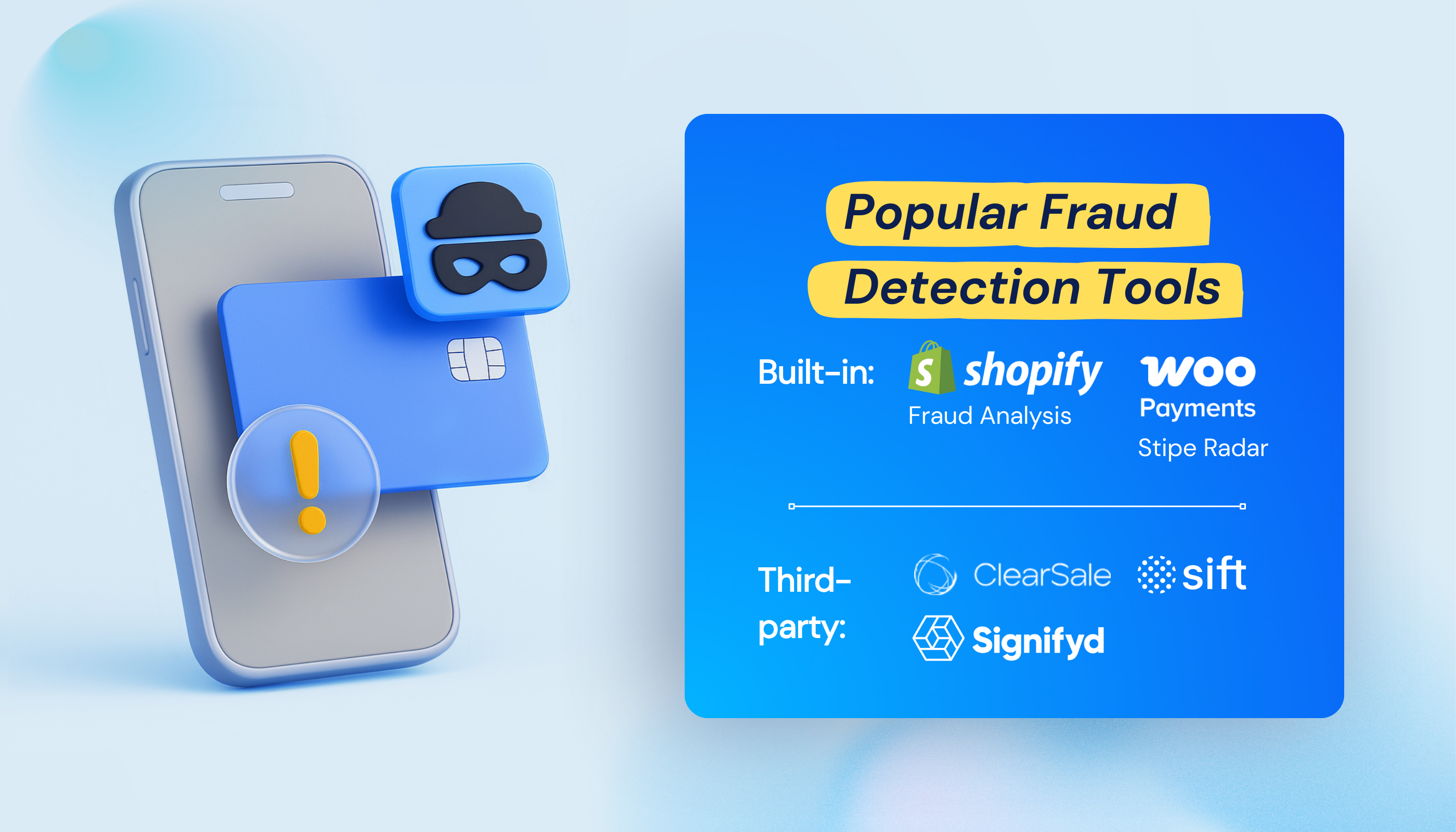
- Built-in: Shopify Fraud Analysis (included), WooPayments Stripe Radar (included).
- Third-party: Sift, Signifyd, and ClearSale provide AI-driven risk scoring with chargeback guarantees for approved orders.
Pricing models: most guarantee-based tools charge 0.5-2% of each transaction plus a monthly platform fee. Costs scale with sales volume, not flat rates.
The Accounting Impact: How Chargebacks Distort Your Books
Even with prevention in place, disputes can still slip through, and that’s where accounting accuracy becomes critical. Most guides focus only on prevention. But improper recording creates a bigger mess than the chargeback itself; your financial reports stop reflecting reality.
The Problem with Recording Chargebacks as ‘Negative Revenue’
Sales happen in April, chargebacks hit in May. Recording the chargeback as “negative revenue” in May distorts your income statement: April looks profitable, May shows an unexplained drop. Your month-over-month reports are misleading.

How to Record Chargebacks Correctly
Treat disputed amounts as Accounts Receivable until the case resolves. This keeps your original sale recorded in the right month and treats the chargeback as money owed back to you, not a revenue loss.
When the dispute resolves:
If you lose: write it off as Bad Debt Expense. Record processor fees as Bank Fees.
If you win: record the returned funds. (Note: Shopify refunds the $15 fee; PayPal keeps the $20 fee).
Why Manually Tracking Ecommerce Chargeback Fraud Breaks Down
Here’s what happens: You process 300 orders in April. Three chargebacks hit in May, but each platform reports them on different dates than your bank shows funds withdrawn.
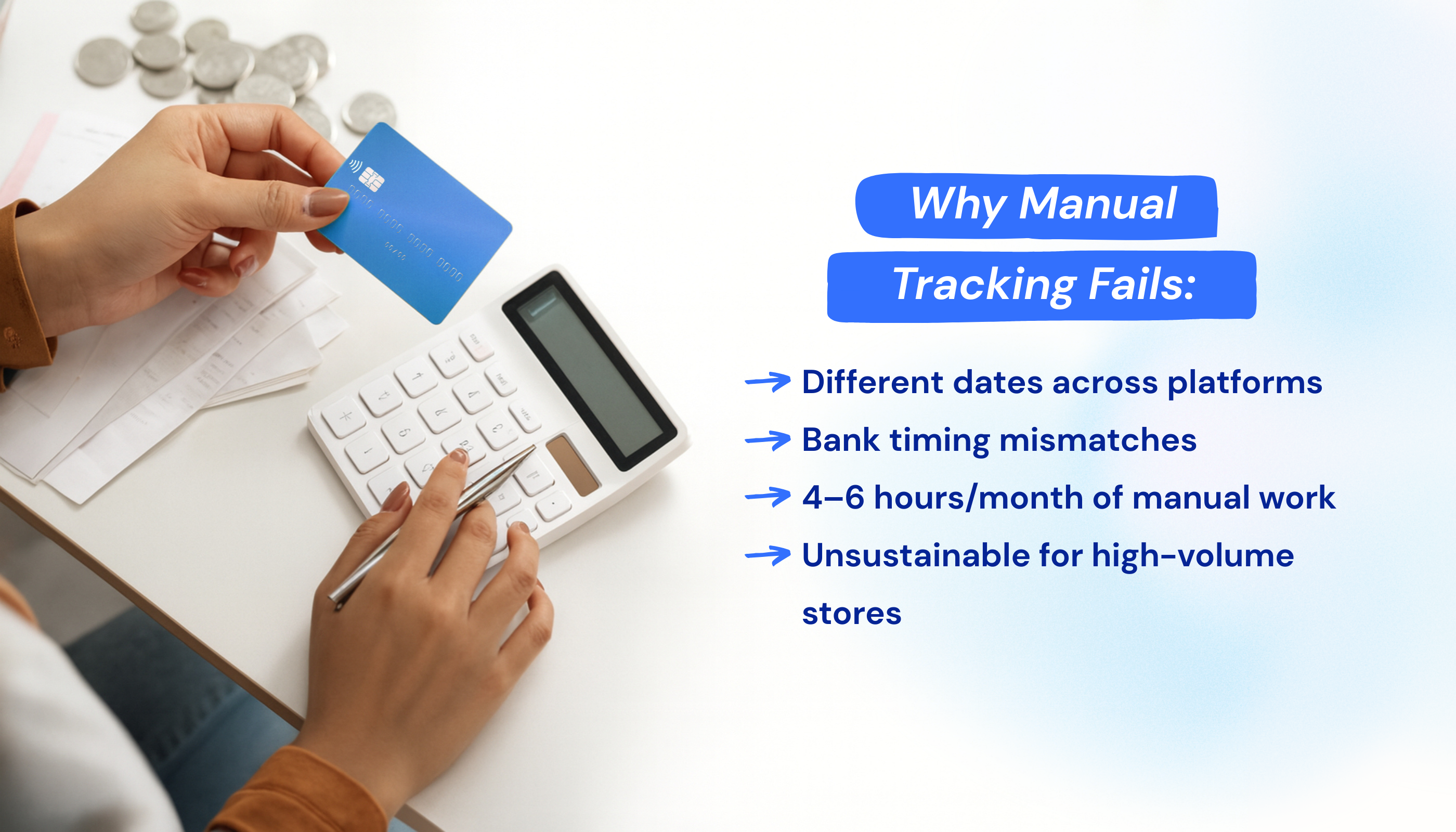
You spend 4-6 hours monthly hunting through processor dashboards, cross-referencing order numbers, and manually updating QuickBooks. For high-volume stores, this process is simply unsustainable.
So how do you handle this without spending hours on payment reconciliation?
How to Reconcile Chargebacks in QuickBooks and Xero
QuickBooks and Xero track your financials. Shopify and WooCommerce track your sales. Without an integration connecting them, you’re manually entering everything, often weeks late, creating timing mismatches.
Let’s look at how to automate that process inside your accounting system.
How automation solves this: ecommerce accounting automation tools like MyWorks automatically sync chargebacks, refunds, and fees from Shopify or WooCommerce into QuickBooks and Xero in real-time. When a dispute hits, your books update instantly.

What this means:
- Real-time visibility into actual profit margins.
- Month-end close in minutes instead of days.
- You stay accurate whether you win or lose.
MyWorks connects Shopify and WooCommerce to both QuickBooks Online and QuickBooks Desktop, ensuring every chargeback, refund, and fee flows through correctly without manual work.
Prevent Chargebacks and Keep Your Ecommerce Books Accurate
You can’t prevent every chargeback, but you can reduce them significantly. Clear policies, delivery confirmation, and fast responses stop most disputes before they start.
Platform protections like Shopify Protect cover eligible cases. For everything else, record chargebacks as Accounts Receivable and automate the reconciliation; manual tracking creates errors and wastes hours.
Ready to stop manually reconciling chargebacks?
See how MyWorks syncs chargebacks, refunds, and fees automatically between Shopify or WooCommerce and QuickBooks or Xero, no spreadsheets required. Book a demo today.
FAQs About Preventing and Managing Chargebacks
1. What is an Example of Chargeback Fraud?
Chargeback fraud happens when a legitimate transaction is reversed through a bank dispute. The most common example is friendly fraud: a customer receives a product, uses it, then disputes the charge, claiming “I never received it” or “this wasn’t authorized.”
Another common situation is a family member making a purchase, followed by the cardholder disputing the charge as unrecognized. Both cases cause the merchant to lose the sale, the product, and pay chargeback fees, even though the transaction was valid.
2. What Is the Difference Between a Chargeback and a Refund?
A refund is initiated by you, the merchant. You control the timing, can deduct restocking fees, and process it through your store. A chargeback, on the other hand, is started by the customer through their bank. It bypasses your store completely, immediately withdraws funds from your merchant account, and adds a processor fee (typically $15–$20).
High ecommerce chargeback rates, over 1% of total transactions, can damage your merchant account standing. Automated accounting tools like MyWorks help track both refunds and chargebacks accurately, ensuring your reports reflect the true cost of each transaction.
3. How Does MyWorks Help Prevent Chargeback Accounting Issues?
MyWorks doesn’t prevent chargebacks themselves, but it eliminates chargeback accounting errors when disputes occur. When a chargeback hits, MyWorks automatically creates the correct Accounts Receivable entries, logs processor fees separately, and updates your QuickBooks or Xero records in real time.
By automatically syncing Shopify or WooCommerce to QuickBooks, MyWorks maintains a complete transaction history, which also makes building a strong defense case faster.
4. How to Defend an Ecommerce Chargeback?
To defend a chargeback effectively, gather all possible proof and respond promptly through your payment processor. Collect shipping confirmation, tracking details, customer communications, order data, and screenshots showing your clear refund policy. Shopify Protect handles eligible disputes automatically, while PayPal requires manual submission through the Resolution Center.
Detailed record-keeping is key. Merchants using automated accounting integrations like MyWorks have faster access to complete transaction histories, making the dispute process easier to manage.
5. How Should I Record Chargebacks in QuickBooks?
To record chargebacks correctly in QuickBooks, treat the disputed amount as Accounts Receivable until the case is resolved. This approach keeps your original sale recorded in the right month and treats the chargeback as money owed back to your business.
If you lose the dispute, write off the amount as Bad Debt Expense and record processor fees as Bank Fees. If you win, credit Accounts Receivable and debit Cash when the funds return.
The MyWorks QuickBooks integration automates this entire process: accurately recording chargebacks, refunds, and fees so your ecommerce books stay balanced whether you win or lose.