



Online accounting systems are the backbone of every growing ecommerce business. But when you’re selling across multiple channels like Shopify, Amazon, and beyond, your data can quickly splinter across reports, fees, and payout systems.
The right setup brings everything back together: connecting your stores, payment processors, and accounting tools into one clear financial view. The result? Fewer manual reconciliations and a lot more time to focus on growth.
This guide will help you find the best fit. You’ll learn what to look for, how tools like QuickBooks and Xero compare, and why pairing great software with a solid integration layer turns your multi-channel ecommerce software into a real growth system.
Before you choose, it helps to understand what these systems actually do and why they’re so valuable for ecommerce businesses.
How Does an Online Accounting System Work?
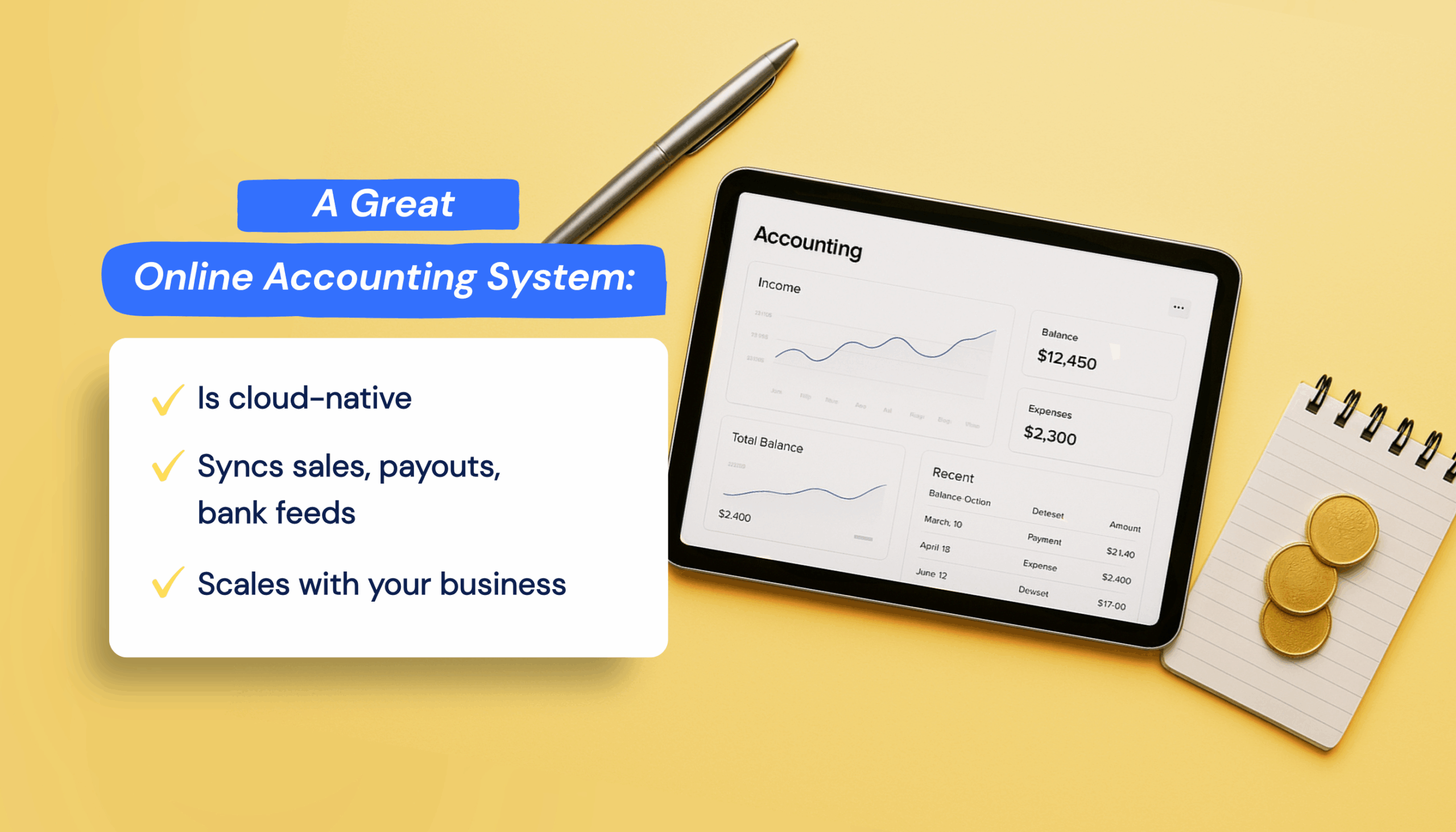
An online accounting system is the financial hub that keeps every part of your ecommerce operation connected. Unlike desktop software, it’s cloud-based, so your sales, payouts, and reports sync automatically across channels.
For ecommerce sellers, that means no more juggling spreadsheets or reconciling transactions by hand. You get real-time visibility into cash flow, cleaner month-end closes, and a system that scales as your business grows.
The Multi-Channel Ecommerce Challenge
Even the best online accounting systems struggle when data comes from everywhere. Each platform in your ecommerce stack (Shopify for your store, Amazon as a marketplace, PayPal or Stripe for payments) handles payouts, fees, and reports differently. Sales might spike, but behind the scenes, your accounting team is left piecing together scattered records just to see what actually hit the bank.
Add international sales, refunds, and currency conversions, and things get messy fast. Reports don’t match, reconciliation takes hours, and visibility across channels disappears. That’s why choosing a system isn’t just about features. It’s about finding one built to handle multi-channel complexity and the right integration layer to keep every number aligned.
So what does that look like in practice? Let’s break down the key features every ecommerce business should evaluate before choosing an accounting system.
How to Evaluate Accounting Systems for Multi-Channel Ecommerce
Once you understand the complexity of multi-channel accounting, the next step is knowing what to look for in an online accounting system. The right solution should make reconciliation easier, reporting clearer, and scaling simpler. Use this framework to evaluate your options.
1. Multi-Currency Support
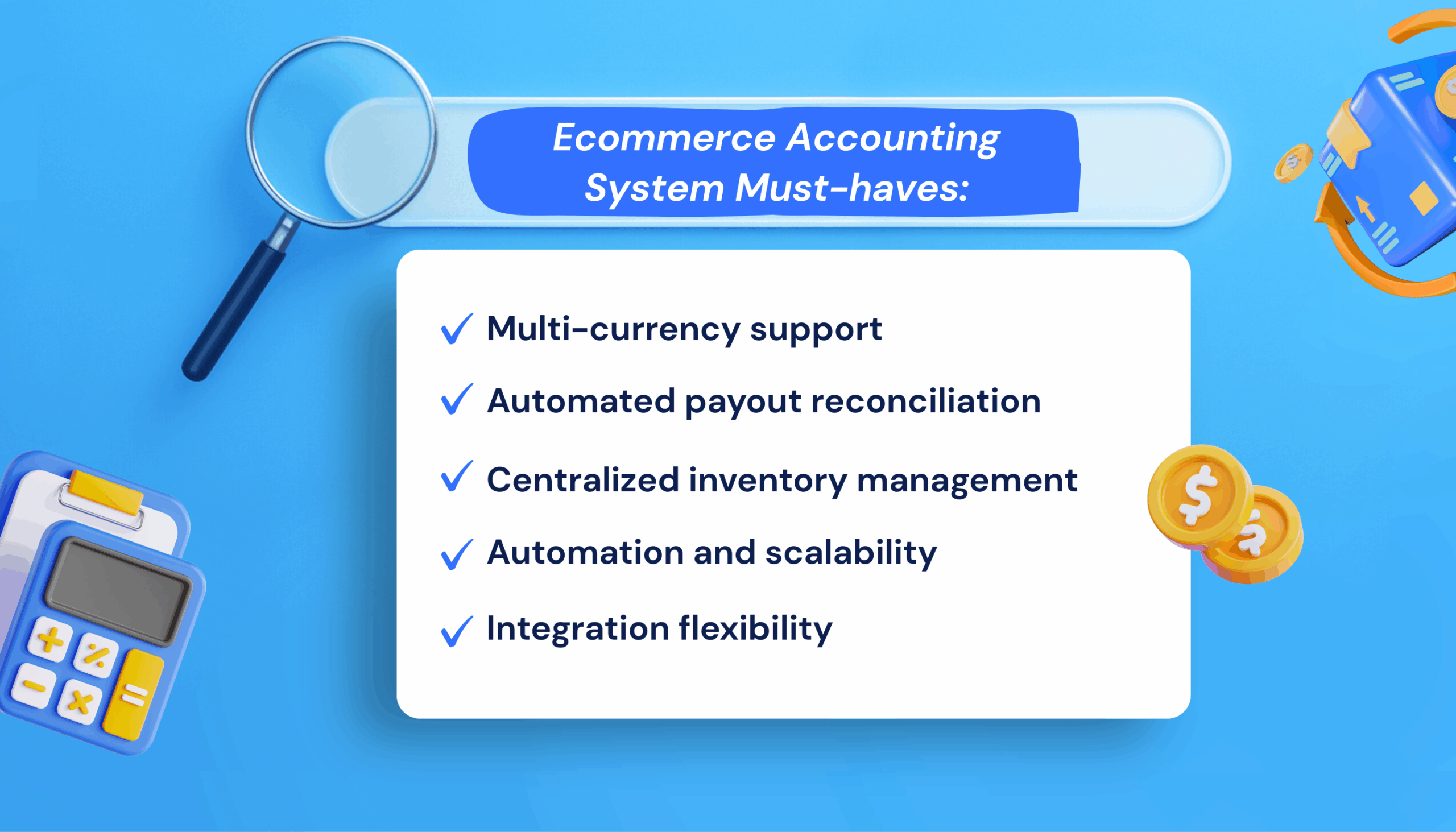
If you sell internationally, your system should track transactions in their original currency while reporting in your base currency. This prevents hidden gains or losses when exchange rates shift. Both QuickBooks Online and Xero offer built-in multi-currency features in their mid-tier plans, which are ideal for growing cross-border sellers.
2. Automated Payout Reconciliation
Your accounting tool should connect directly with marketplaces and payment processors to automatically match payouts, fees, and refunds. Without it, manual reconciliations become a full-time job. Look for integrations that handle settlement reports and bank feeds seamlessly.
3. Centralized Inventory Sync
When you sell across multiple platforms, inventory needs to be updated everywhere in real time. Systems with built-in or integrated inventory tracking prevent overselling and keep your financial data consistent.
4. Automation and Scalability
Transaction volume demands automated processing. Bank rules, recurring transactions, and bulk categorization reduce manual entry. Manual processes that work for 100 monthly transactions fail at 1,000. Automation keeps your data clean and your workload manageable as you scale.
5. Integration Flexibility
Modern ecommerce stacks rely on flexibility. Choose a system that connects smoothly with your storefronts, payment gateways, inventory tools, and tax platforms. QuickBooks and Xero both excel here, with large app marketplaces built specifically for ecommerce sellers.
Once you know what to look for, the next step is finding a system that actually delivers.
How the Top Online Accounting Systems Compare
The accounting software market is crowded, but only a few platforms stand out for multi-channel ecommerce: QuickBooks Online, Xero, NetSuite, and FreshBooks.
Here’s a quick snapshot of how the leading online accounting systems stack up:
| System | Best For | Cost per month | Multi-Channel Support |
| QuickBooks | SMBs scaling with accountants | $90–$300 | Via integrations |
| Xero | Global or multi-currency sellers | $65–$170 | Via integrations |
| NetSuite | Large, complex enterprises | $999+ | Native |
| FreshBooks | Service-based businesses | $21–$65 | Limited |
QuickBooks Online: Most Popular, Most Connected

QuickBooks dominates the small-business accounting space, holding over 60% of the market—and for good reason. It’s the platform most accountants use, making setup and support easier. Beyond familiarity, its ecosystem is unmatched: thousands of third-party apps connect QuickBooks to nearly every ecommerce platform, payment gateway, and inventory system.
For multi-channel ecommerce sellers, QuickBooks becomes most powerful when paired with an integration layer that translates storefront and marketplace data into clean accounting entries. Deposits, fees, refunds, and taxes all flow automatically and accurately into your books.
QuickBooks Pricing
The Plus plan starts at $90/month, while Advanced ($235/month) adds workflow customization and deeper reporting. Realistically, budget $90–$300/month depending on transaction volume and integrations.
Best Accounting System For
US-based sellers with revenue between $1M and $10M who want a reliable, well-supported system that scales.
| Tip: QuickBooks pairs perfectly with MyWorks, syncing orders, taxes, and payouts directly from Shopify or WooCommerce without manual imports or errors. |
Xero: Great for Global Sellers

Xero’s strength lies in its simplicity and international reach. With over 4 million users, it’s known for an intuitive interface, excellent mobile access, and built-in multi-currency support (available at the Established tier, $47/month).
For multi-channel sellers, Xero integrates smoothly with ecommerce platforms and payment processors to import and categorize sales data automatically. Combined with the right syncing tool, Xero can handle everything from order-level reconciliation to real-time reporting across multiple currencies.
Xero Pricing
Typically $65–$170/month with integrations. While its US accountant base is smaller, Xero remains ideal for international sellers with simpler operations.
Best Accounting System For
Sellers with annual revenue under $5M who value clean design, simplicity, and strong multi-currency performance.
| Tip: When connected with an ecommerce accounting integration tool, Xero automatically syncs orders, customers, and payouts from Shopify or WooCommerce, keeping financial data consistent and audit-ready. |
NetSuite: Enterprise-Level Power
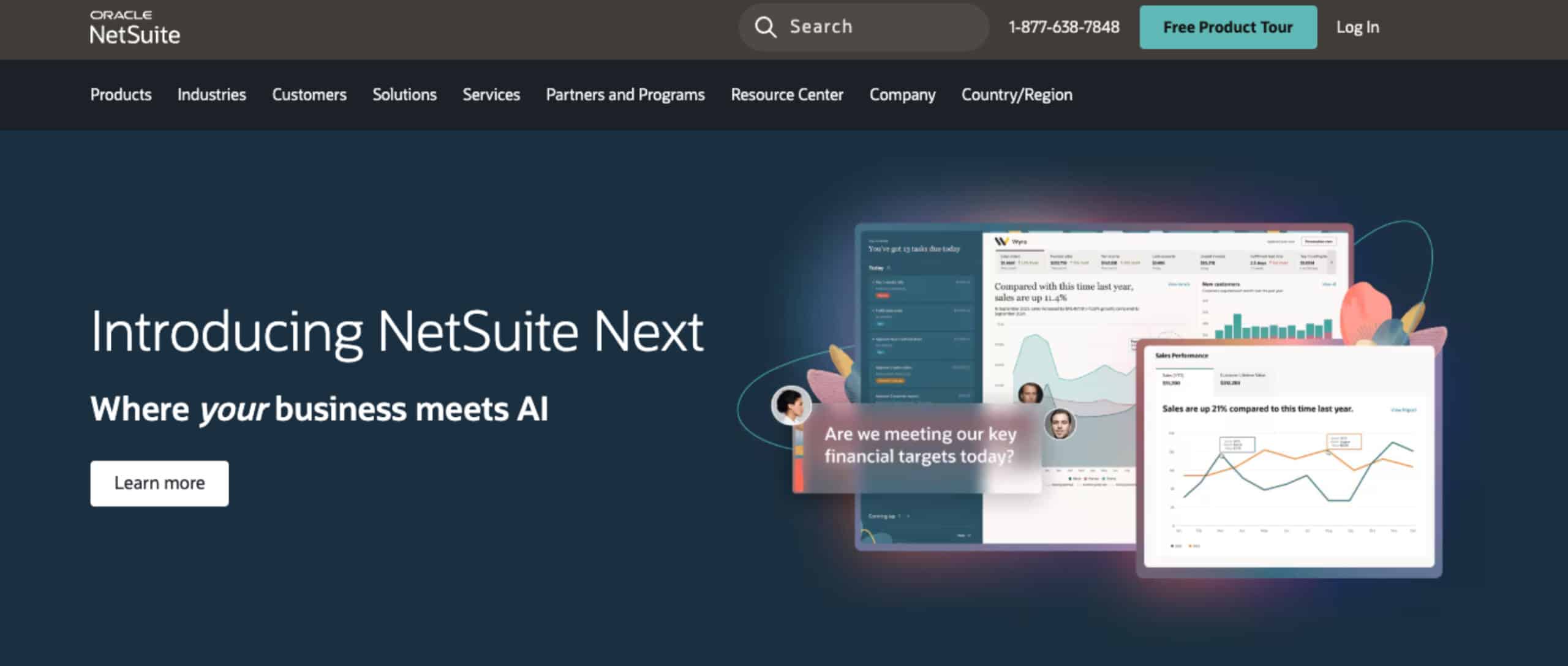
NetSuite operates in a different league; it’s not just accounting software but a full ERP (Enterprise Resource Planning) system. It includes built-in multi-channel capabilities for managing inventory, orders, and financials without third-party middleware.
NetSuite Pricing
That power comes at a price: $999/month base, plus $99 per user, with implementations taking 3–6 months and first-year costs often exceeding $50,000. It’s powerful but complex, best suited for large ecommerce operations with dedicated finance teams.
Best Accounting System For
Businesses doing $10M+ in annual revenue that need enterprise-grade control and are ready for the complexity of an ERP.
FreshBooks: Simple, But Not for Ecommerce
FreshBooks is popular among freelancers and service providers, but it offers limited value for ecommerce. The platform is simply not built for high transaction volumes or marketplace reconciliation for product-based businesses.
FreshBooks Pricing
Pricing ranges from $21–$65 per month, and while it includes basic inventory tools, it lacks the depth and integrations needed for multi-channel selling.
Best Accounting System For
Small service-based businesses or agencies with straightforward bookkeeping needs.
The Integration Layer Advantage
For most ecommerce sellers, the software alone isn’t the complete solution; it’s the system behind it. Platforms like QuickBooks and Xero provide the foundation, but the true efficiency comes from connecting them to an integration layer that understands ecommerce data.
An integration layer acts as the bridge between your storefronts and accounting tools, syncing orders, taxes, and payouts automatically. It keeps your books clean, accurate, and up to date.
MyWorks is built specifically for this purpose: connecting Shopify and WooCommerce to QuickBooks and Xero to deliver true multi-channel ecommerce automation. It gives growing businesses enterprise-level accuracy.
It’s About the System, Not Just the Software
Choosing your solution starts with an honest assessment of your size and goals:
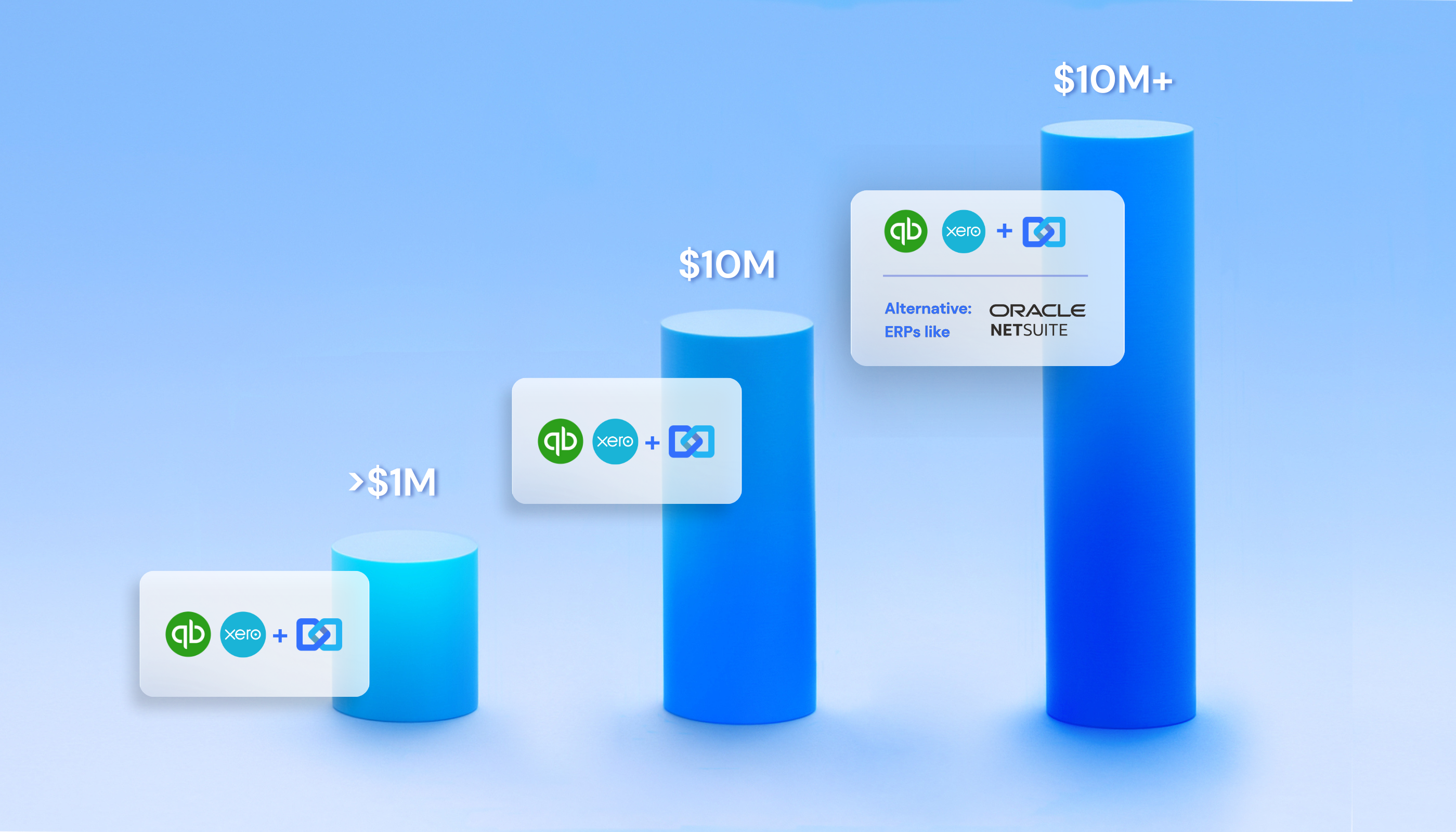
- Under $1M in revenue: QuickBooks or Xero paired with MyWorks or a similar integration tool. Budget $90–$170/month.
- $1M to $10M: same setup, scaled with automation and deeper reporting.
- $10M+: consider an ERP like NetSuite, but many $20M+ businesses still run efficiently on QuickBooks or Xero with strong integrations.
Start by talking to your accountant; they’ll likely have strong preferences based on experience. Then test everything with free trials (both QuickBooks and Xero offer 30 days). Start small, automate what matters, and expand as your needs evolve.
You’re not locked in forever. Businesses migrate systems regularly. The key is choosing a flexible, integration-ready foundation that can grow with your ecommerce operation.
Build a Smarter Accounting System for Growth
The future of ecommerce accounting isn’t just about better tools; it’s about connected systems. With MyWorks, you can fully automate your multichannel ecommerce accounting to sync every sale, fee, and payout across platforms like Shopify, WooCommerce, and QuickBooks.
Ready to simplify your ecommerce bookkeeping? Explore MyWorks and see how our integration layer turns your accounting software into a connected, scalable system built for multi-channel ecommerce success.
FAQs About Online Accounting Systems for Ecommerce
1. What’s the Difference Between Accounting Software and an Accounting System?
Accounting software manages your books. An accounting system connects everything: your ecommerce platforms, payment processors, and inventory tools to keep data accurate across channels. Online accounting systems combine automation, integrations, and real-time reporting, giving multi-channel ecommerce businesses complete financial visibility without manual reconciliation.
2. Why Do Multi-Channel Ecommerce Sellers Need Integration Tools?
When you sell through multiple platforms like Shopify, Amazon, or WooCommerce, each one exports data differently. Integration tools act as translators, syncing orders, fees, and payouts directly into your online accounting software. This eliminates duplicate entries, prevents reporting errors, and enables true ecommerce accounting automation.
3. Which Online Accounting System Is Best for Ecommerce?
For most ecommerce businesses, QuickBooks is the best online accounting system, closely followed by Xero. These tools offer the best balance of scalability and automation. Both connect to multi-channel ecommerce platforms through syncing tools like MyWorks, which automatically syncs every transaction for accurate, up-to-date bookkeeping.